 Enlyzr
MyCoachWorks
Squad, training and matches on the coach's phone
A coach's app for team sports, football first. It keeps the squad, plans and runs training sessions, and logs matches, notes and ratings, all on your phone. There is no account, no server and no ads, and you can take every bit of your data away in an open file at any time.
For Android 10 and newer.
What is in the app
The squad and each player's dossier
Names, shirt numbers, positions, availability and status, with a dossier per player holding appearances, notes and observations. A birth year is enough to place a player in an age category.
A library of more than 200 drills
Every drill has a diagram, an age range, the number of players and space it needs, and what it develops. 84 of them are for one player and a ball. Filter them, write your own, and share drills with another coach as a pack file.
Plan and run a training session
Build a session from blocks, copy it to another date, and run it in Training Mode with a ring that shows the time left in the block, an attendance sheet and a rating of how hard it felt.
Match day mode
Log goals, cards and substitutions with a few taps, undo a slip, and place the starters on a pitch. If the phone dies mid-match, the match comes back where it was.
Notes, observations and voice notes
Type a note, or hold the microphone and speak. An observation is a note about one player. Search covers players, notes, drills, sessions and matches and ignores accents.
Fixtures and the league
Type a competition once and turn its fixtures into matches. The table shows your own record from matches played in the app, and the overview reads the season back.
Backup and export
One backup file holds everything. Export a team as JSON or CSV, or a match as a PDF report. Files with players' data are zipped with a password the app makes up.
Czech and English
Choose a language or follow the phone; the whole app changes at once, drills included. Colours follow the club crest, or one of six palettes.
Kept on your phone
Players, notes, photos and recordings stay in the app's private storage. The app has no internet permission and no account, and a player's photo is stored only with recorded consent.
A look at the app
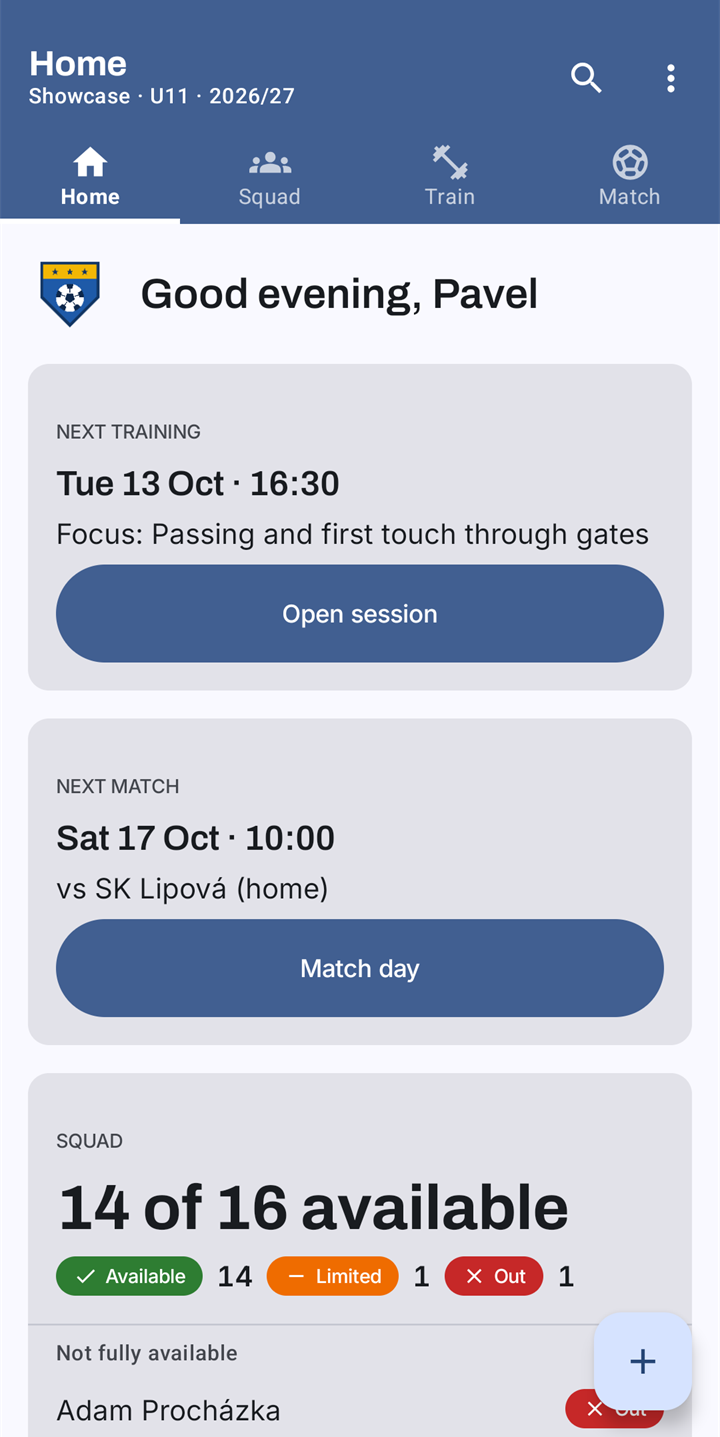
Home: the next training, the next match, who is available 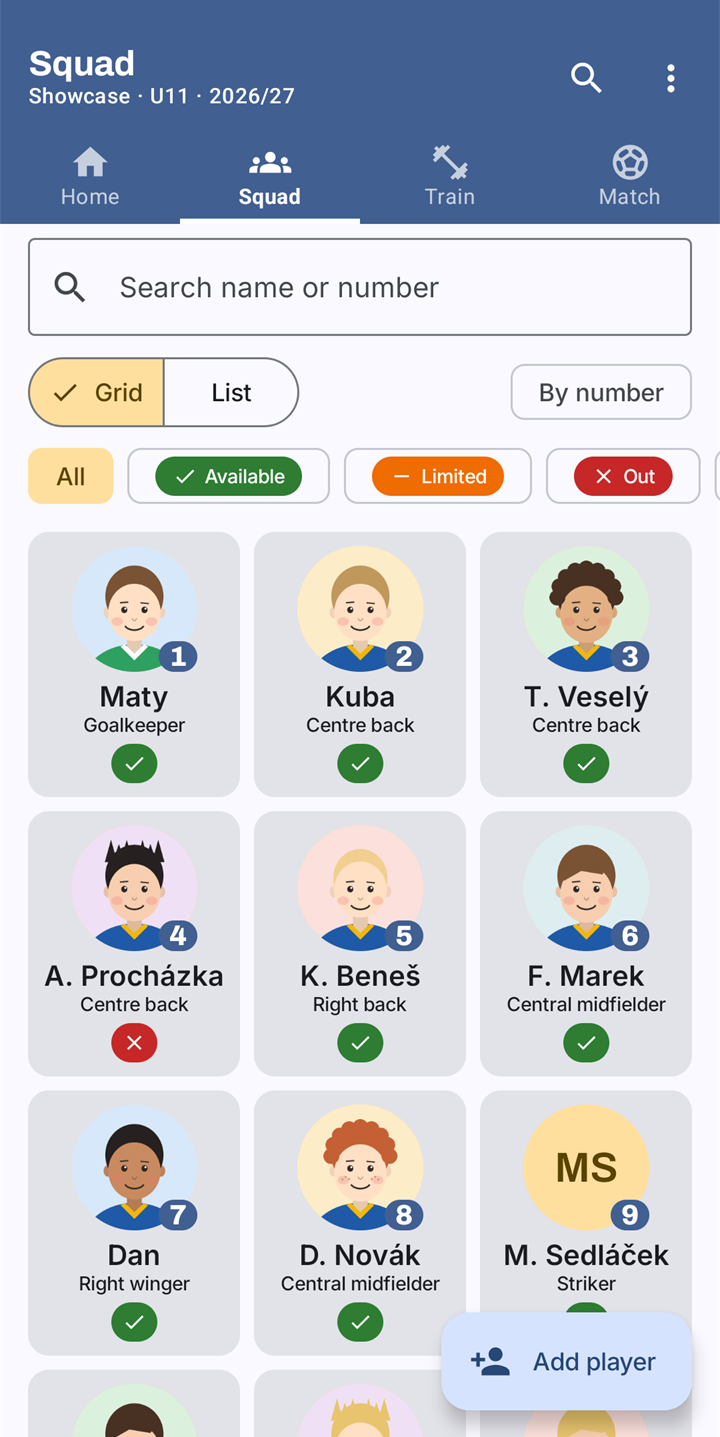
The squad, by number or by availability 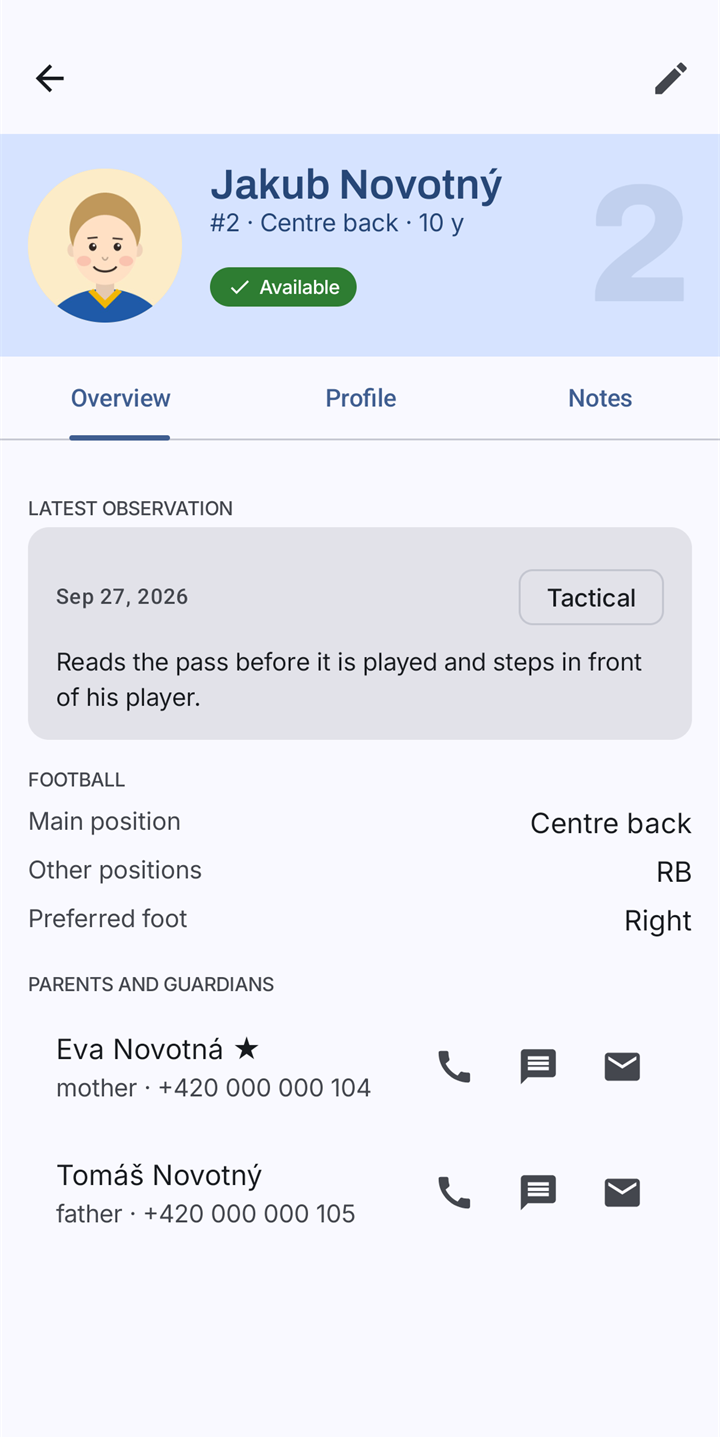
A player's dossier, here from the app's made-up showcase club 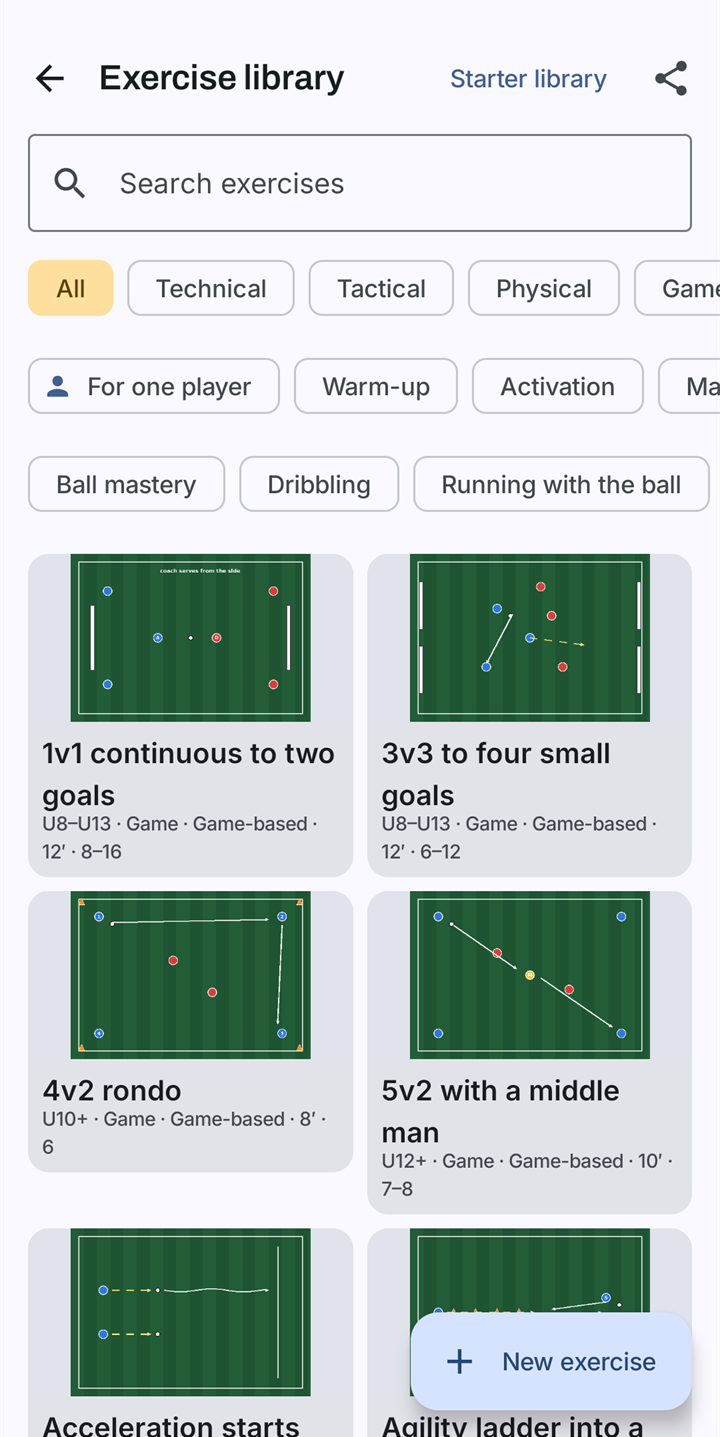
More than 200 drills, each with its diagram 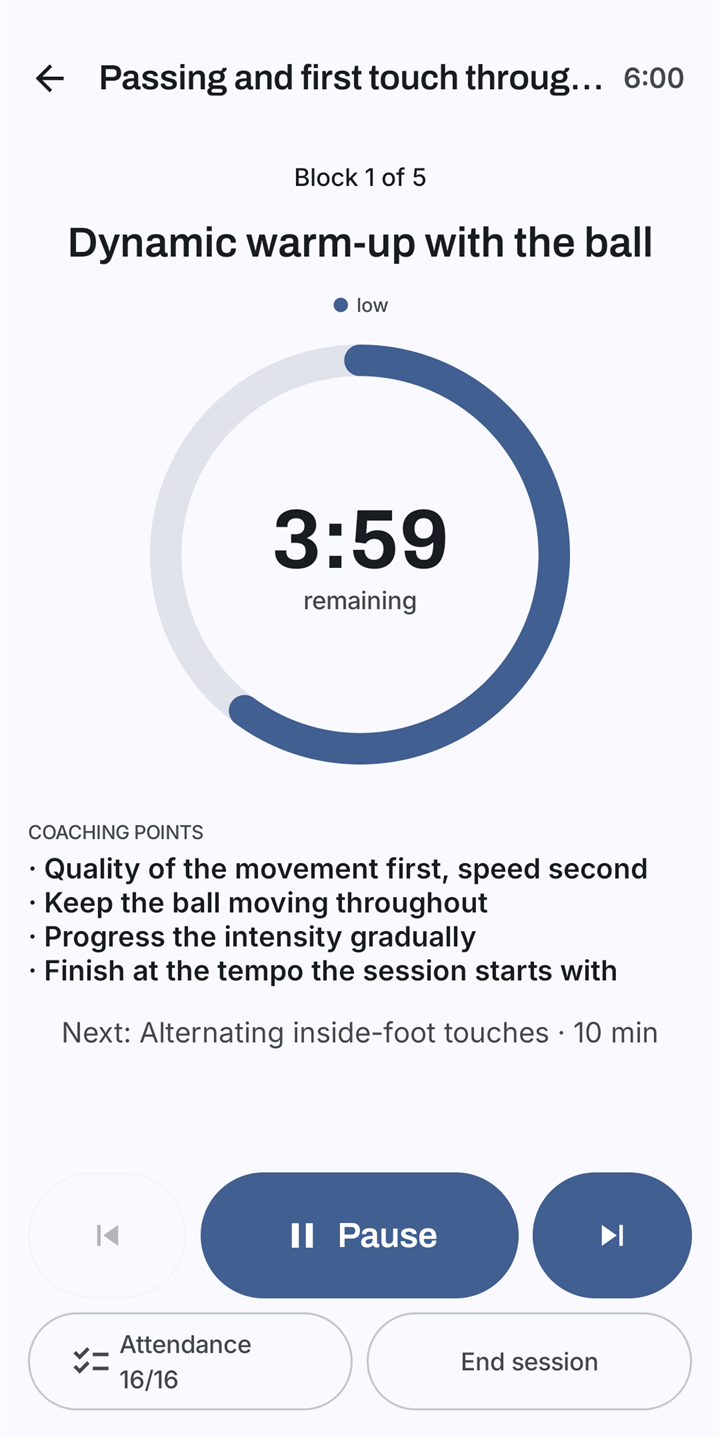
Training Mode: the time left, the coaching points, what comes next 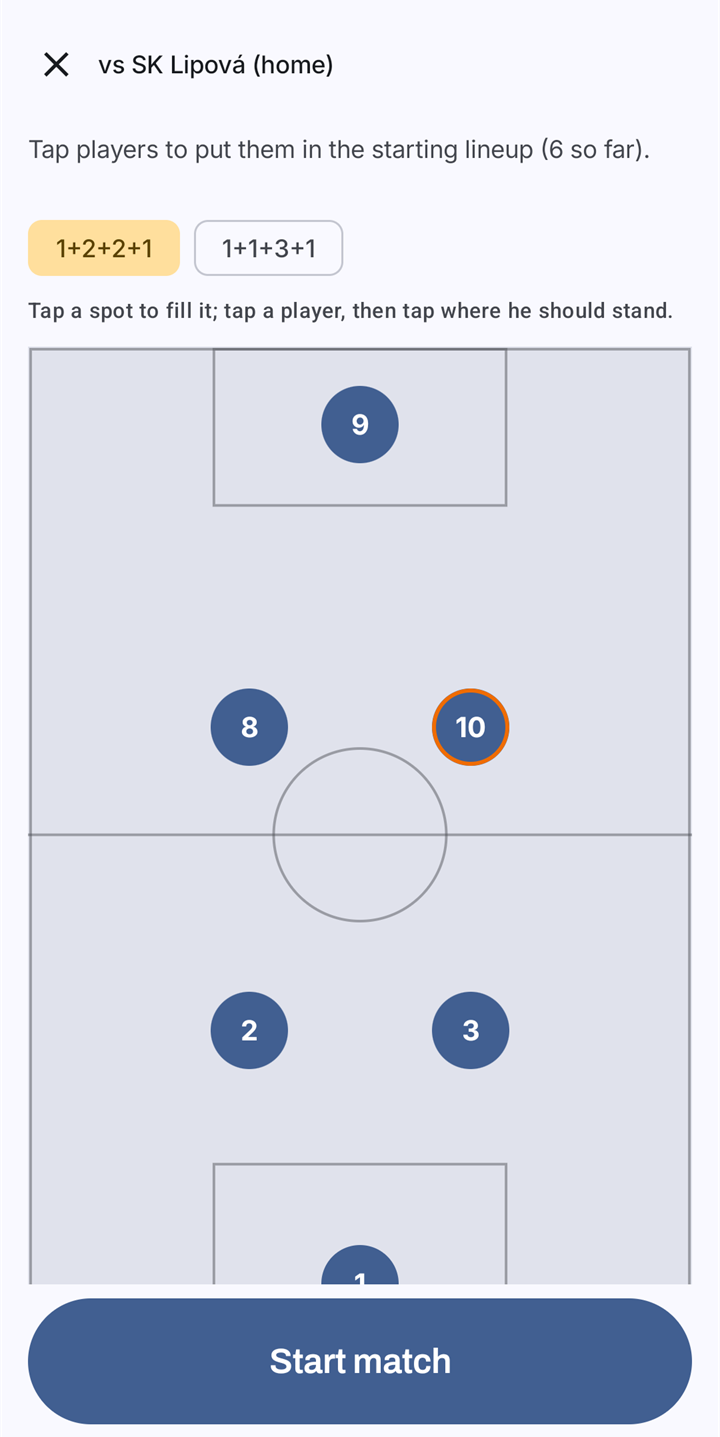
Put the starters on the pitch 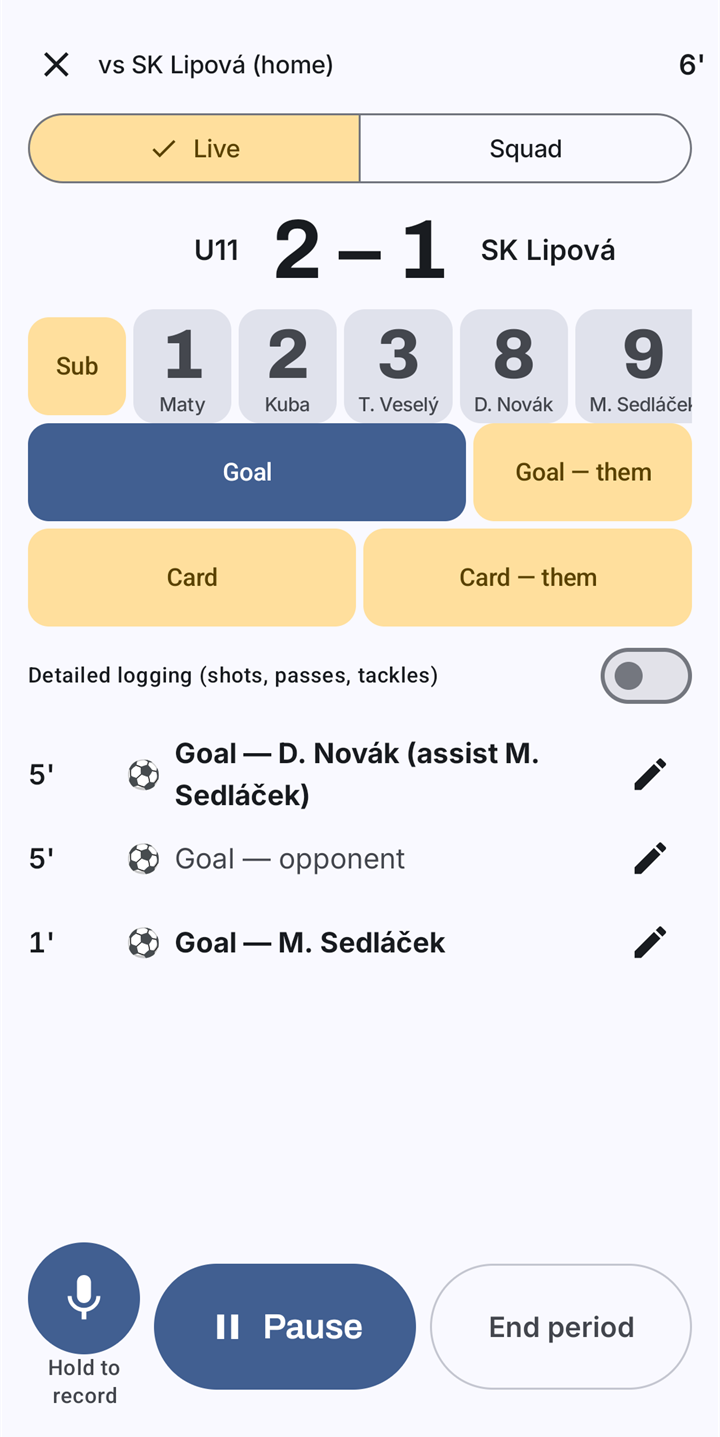
Match day: a goal, a card or a substitution in a few taps 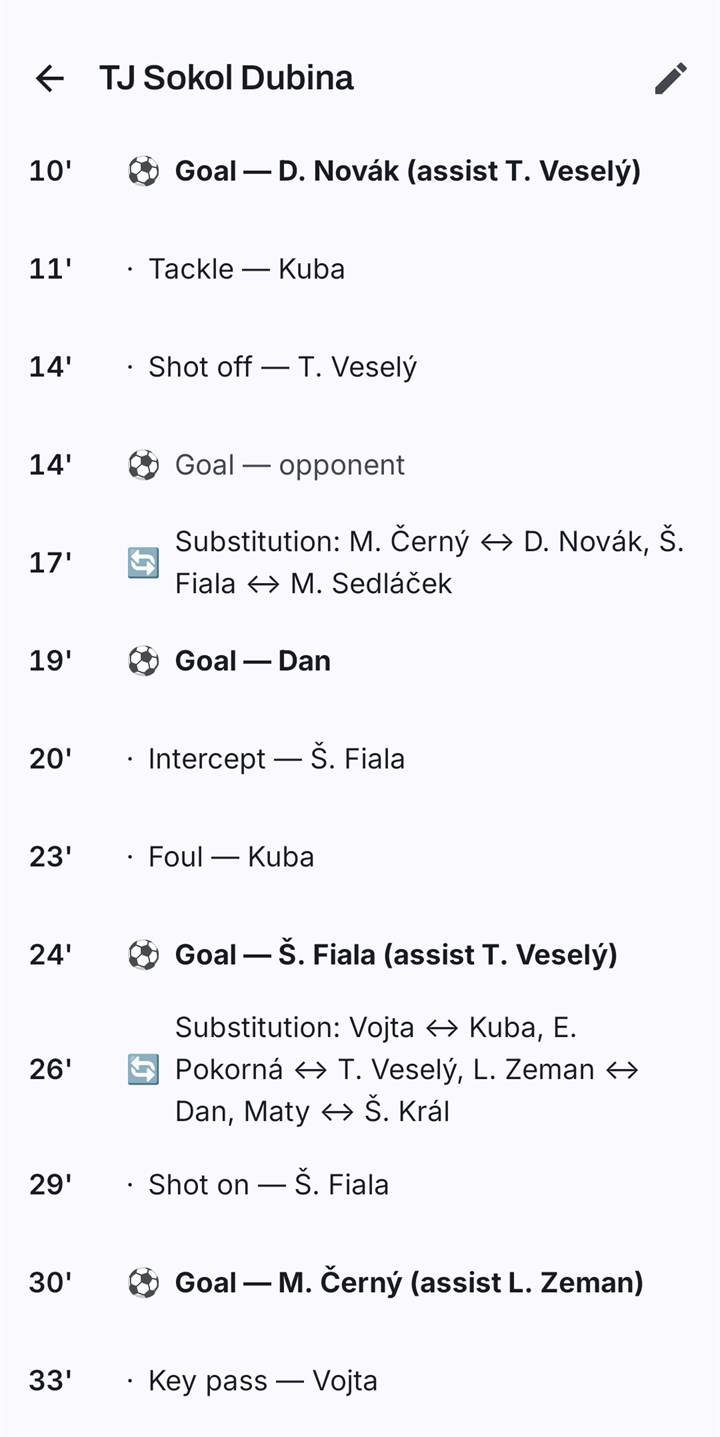
Afterwards, the match minute by minute
Questions and answers
Do I need an account or an internet connection?
No. The app has no account and no internet permission, so it never connects to the internet. Backups and exports are files you save and send yourself.
Why does the app ask for the microphone?
Only for voice notes. When you hold the microphone button and speak, the recording is stored on your phone as a note or attached to a match event. A voice note reads "transcription pending" until you type a transcript yourself.
Where is my data kept, and how do I take it with me?
On your phone, in the app's private storage. Under Backup & restore you save a single file with everything, and you can export a team as JSON or CSV. Android's own automatic backup is turned off for the app.
Can I hand a team on to another coach?
Yes. A handover file comes in three levels: coaching only, full, or anonymous. It is always encrypted, and an import never overwrites what the other phone already has.
Which languages does it speak, and what sport is it for?
Czech and English today. It is for team-sport coaches and football comes first: age categories, match formats and the drill library are football ones.
What does it cost?
Nothing. MyCoachWorks is free: no feature costs money, now or later, and there are no advertisements.
Coming to Google Play
MyCoachWorks is not listed on Google Play yet. This page will carry the link as soon as it is.
Questions or feedback: enlyzr@gmail.com